Avoid scams

Beware of scams. To help you avoid getting scammed, we share how to spot them and how to identify valid City communications.

Protect yourself from scams

Scam messages can look real. They can look like they are from a City department or employee.

Find out if the request is from the City before you pay or share your information.


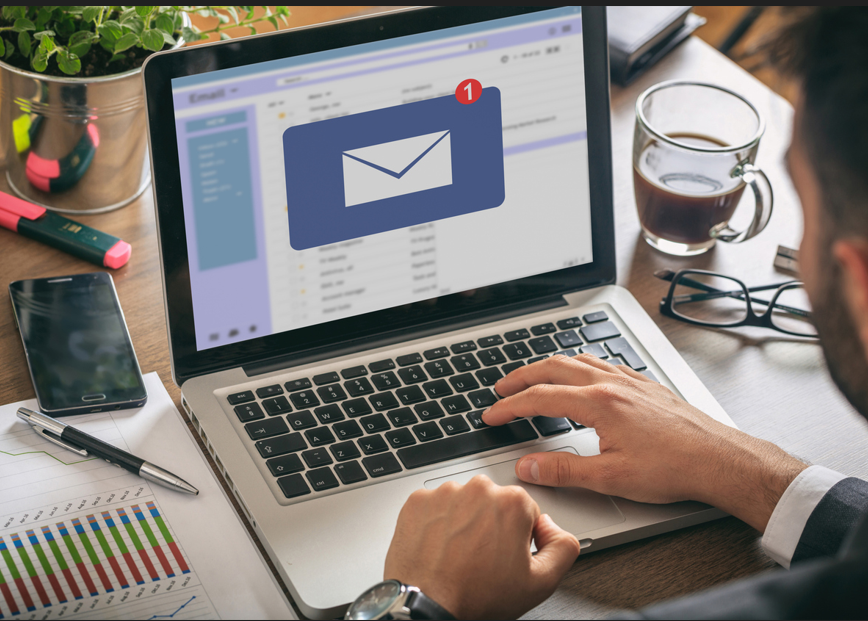
Person checking their email on laptop.


Identify City communications

Learn how the City communicates. This will help you know you are connecting with us and not a scam.

Official City emails and communications

City emails come from an official City of Minneapolis email address.

What to know

  • The official City of Minneapolis logo or other identification will be included.
  • The format usually comes from an employee or department name at the beginning of the email address with @minneapolismn.gov at the end.
  • Note: Some City messages may come from other approved City systems.

More ways to identify City communications

City communications will not include common misspellings and grammar errors.
Payment methods

  • The City will let you know the methods available to you for payments, online or in-person.
  • The City will indicate the dollar amount you need to pay. 
  • You will use a secure system to pay online.

Timing of payment

  • You will be provided a date by when you need to make the payment.

Sensitive information

  • You will only be asked for sensitive information after you are on a City secure payment system.

How to identify scams

Know the common techniques scammers use. Learn what types of communication are not from the City of Minneapolis.

The City will not send you

Payment requests that are suspect

  • Cryptocurrency, gift cards and money transfers are not from the City.
  • Payment requests with a direct link in an email or other digital communication are not from the City.

Payment to a third party

  • Payment requests to a third party are not from the City.

Urgent requests or threats

  • If the request tells you it's urgent or pressures you to act now, it's not from the City.

Requests for sensitive information

  • If you are asked to include private or personal information, it's not from the City.

What to watch out for

Strange email addresses

  • Look for slight misspellings or small wording variations.

Spelling or grammar errors

  • Look for mistakes you would not see in legitimate messages.
Person using phone and computers.

How to avoid being scammed

Learn ways to avoid being scammed online.

What to do

  • If you’re suspicious, call 311 to find out if the request is from the City or not. 
  • Go to the City website another way instead.
  • Be cautious with attachments. Attachments can contain malware.
  • Trust your instincts. If something feels off, it probably is.

Contact 311


What to avoid

  • Avoid clicking links directly. Hover over them first to see where they lead.
    • Is it a City address or site? If it is not, it’s likely a scam.
  • Avoid opening unexpected or suspicious attachments or files.
  • If you are suspicious, do not reply to the sender. Instead, block the sender, or mark the number or address as spam.
Person on a phone call while using laptop.


Report scams and protect yourself

Know what to do if you have been scammed.

If you have been scammed

If you’ve lost money, shared personal information or suspect identity theft:

Stay safe online handout

Read our handout to learn how you and your household can stay safe online.

Contact us

Minneapolis 311

Phone

311 or 612-673-3000

Relay service

612-673-3000

Hours

7 a.m. – 7 p.m.
Monday – Friday

See list of City holidays